

Strada from ccktech
Edit anywhere.
Upload nothing.
We help creative teams connect to the media on their own storage. With Strada, your team can edit, share and review remotely without first moving your library into cloud storage.
How it works
Your storage. A connected team.
Keep your media where it is and give collaborators access to the folders they need.
Connect your storage
Install Strada on the host computer connected to your hard drive, RAID or NAS.
Share a folder
Invite collaborators by email, choose their permissions and update or remove access when a project changes.
Start working
Mount the shared storage as a virtual drive and open media in the creative tools you already use.
Strada Connect
Remote media, inside your editing workflow
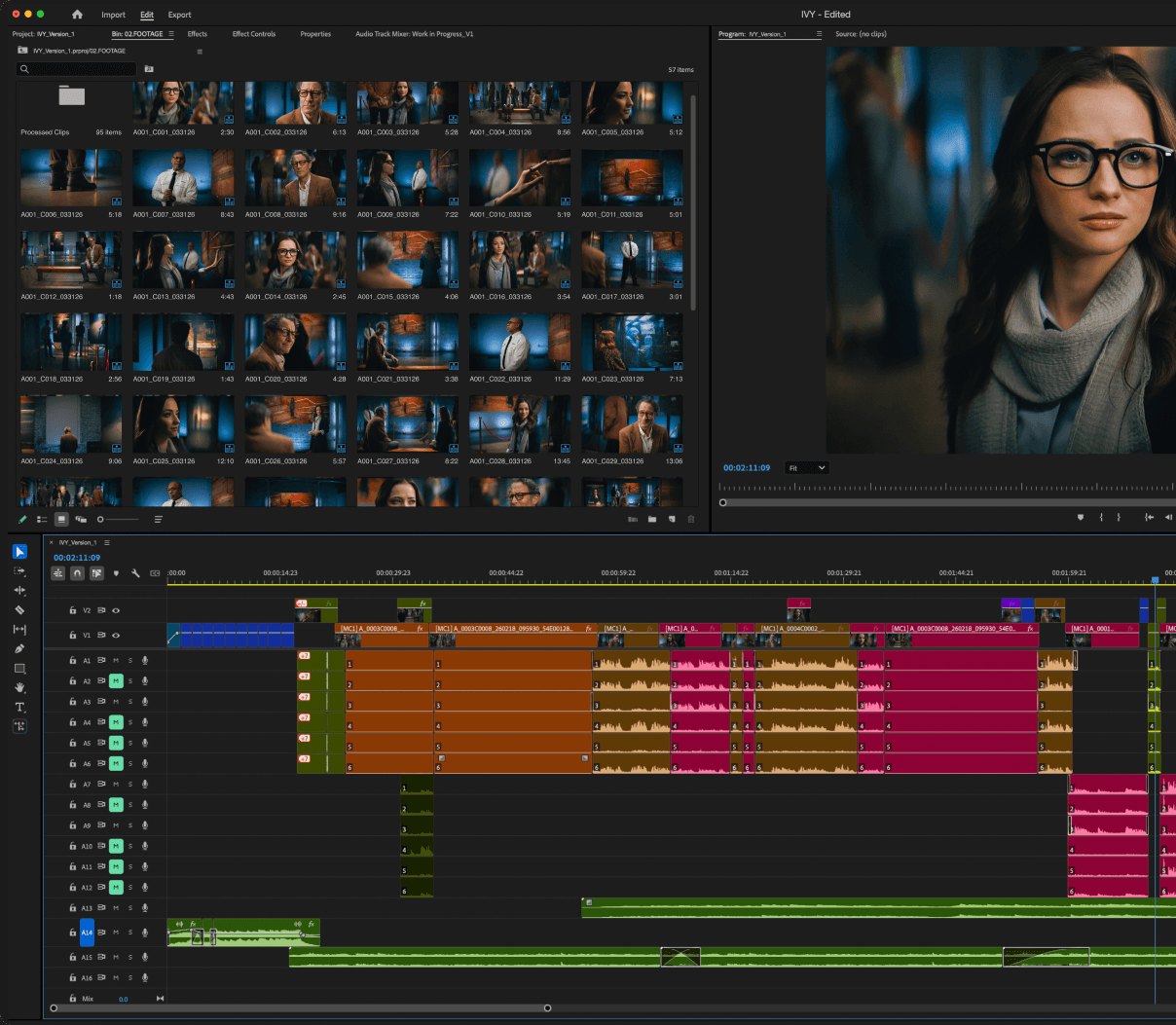
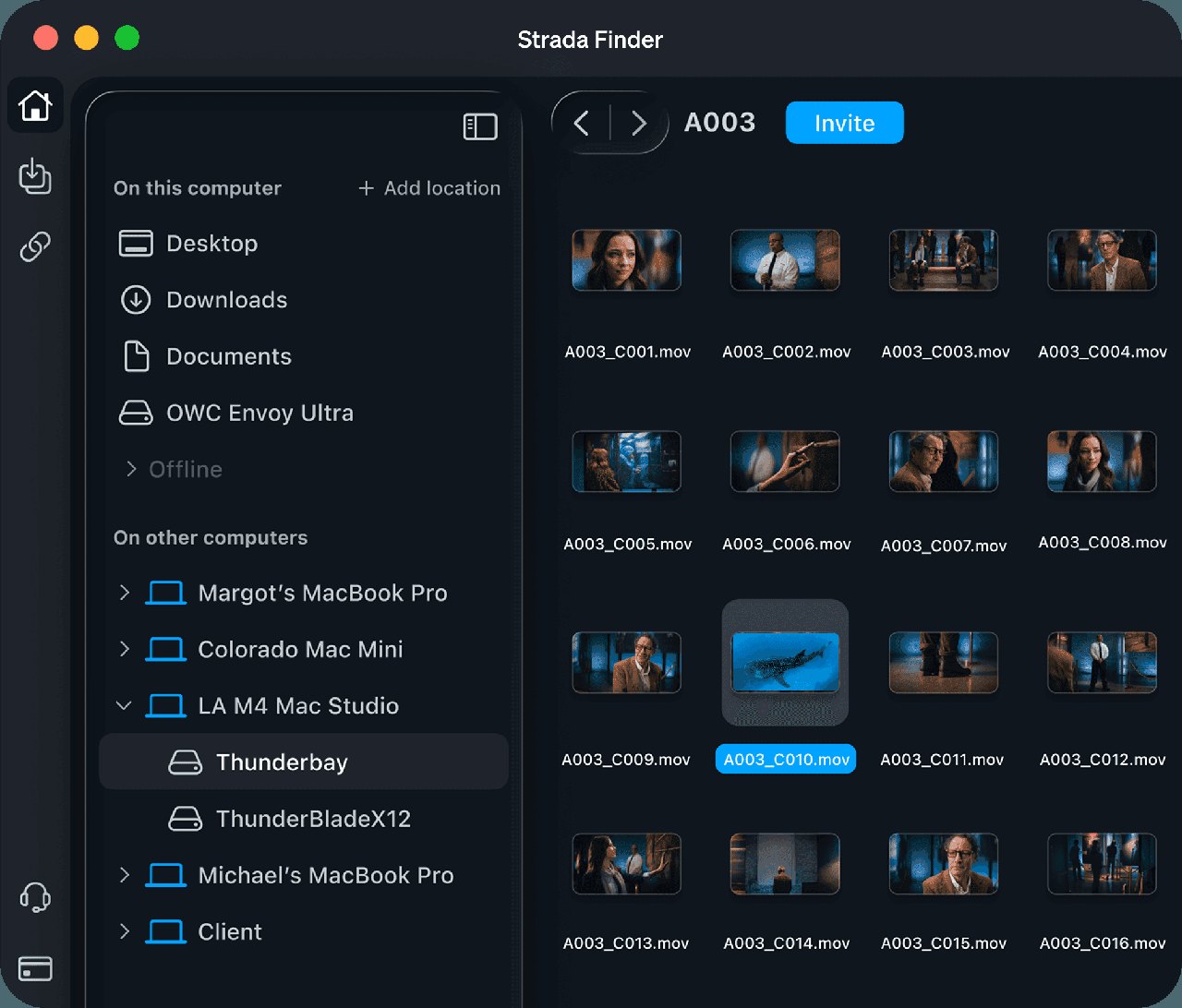
Browse remote folders through a familiar drive interface, then work with their media in Premiere Pro, DaVinci Resolve, Avid Media Composer or Final Cut Pro.
Your team can access the same source storage without waiting for the entire library to be copied to each workstation.
- Mount remote storage as a virtual drive
- Keep working in your existing creative applications
- Share access to specific drives or folders
Fits the way you work
Connect the tools
your team already uses
We can help you fit Strada around your existing storage, creative applications and devices, with a setup that suits your production.
01 — Interface
A familiar way to work
Strada gives your team a familiar browsing experience, with remote folders accessible through Finder or File Explorer.
02 — Storage
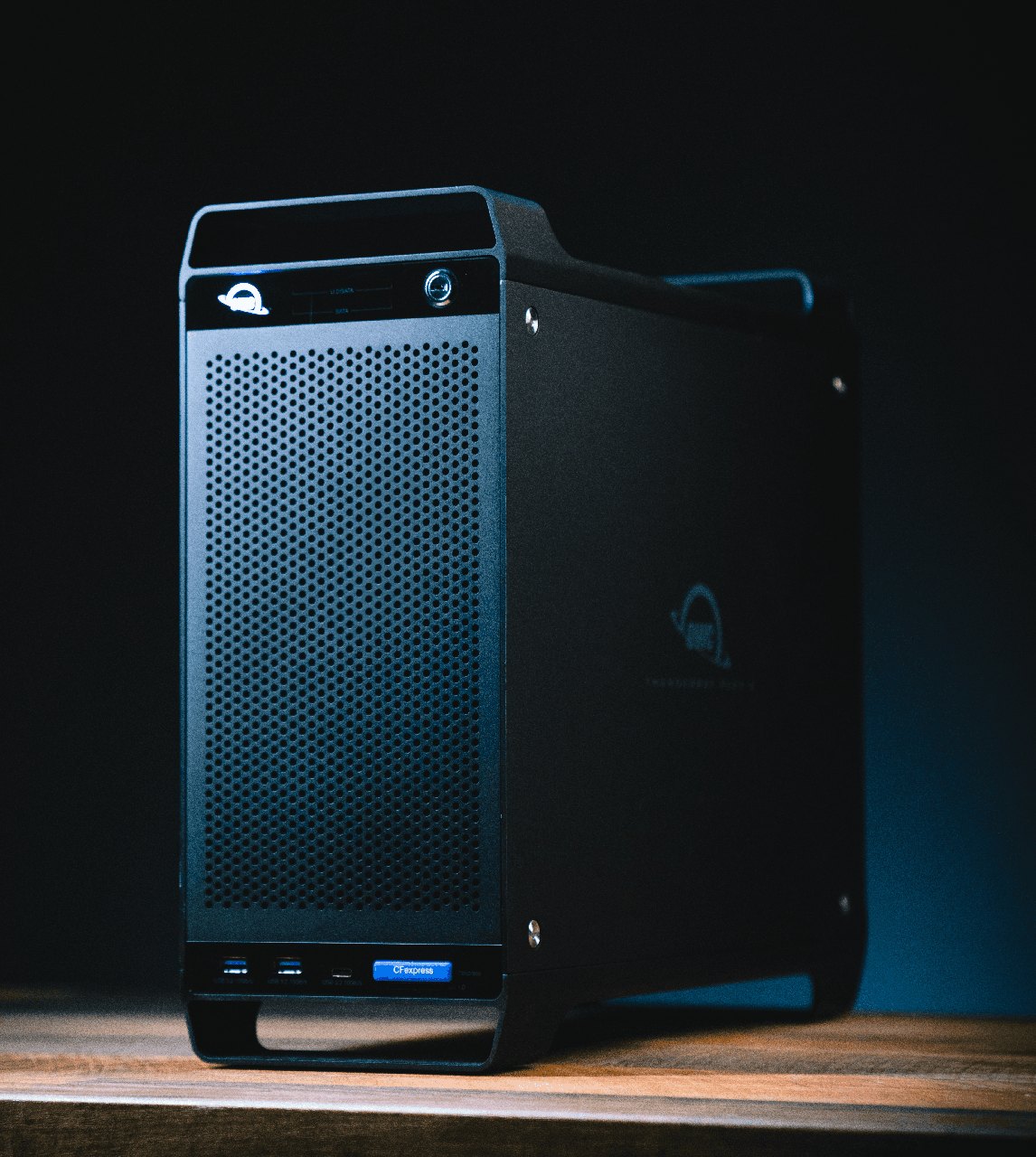
Use your existing storage
A NAS isn’t required to get started.
03 — Apps
Keep your creative tools
Strada connects at the operating system level, making shared drives available to your applications without a dedicated editing plugin.
04 — Devices
Stay connected on the move
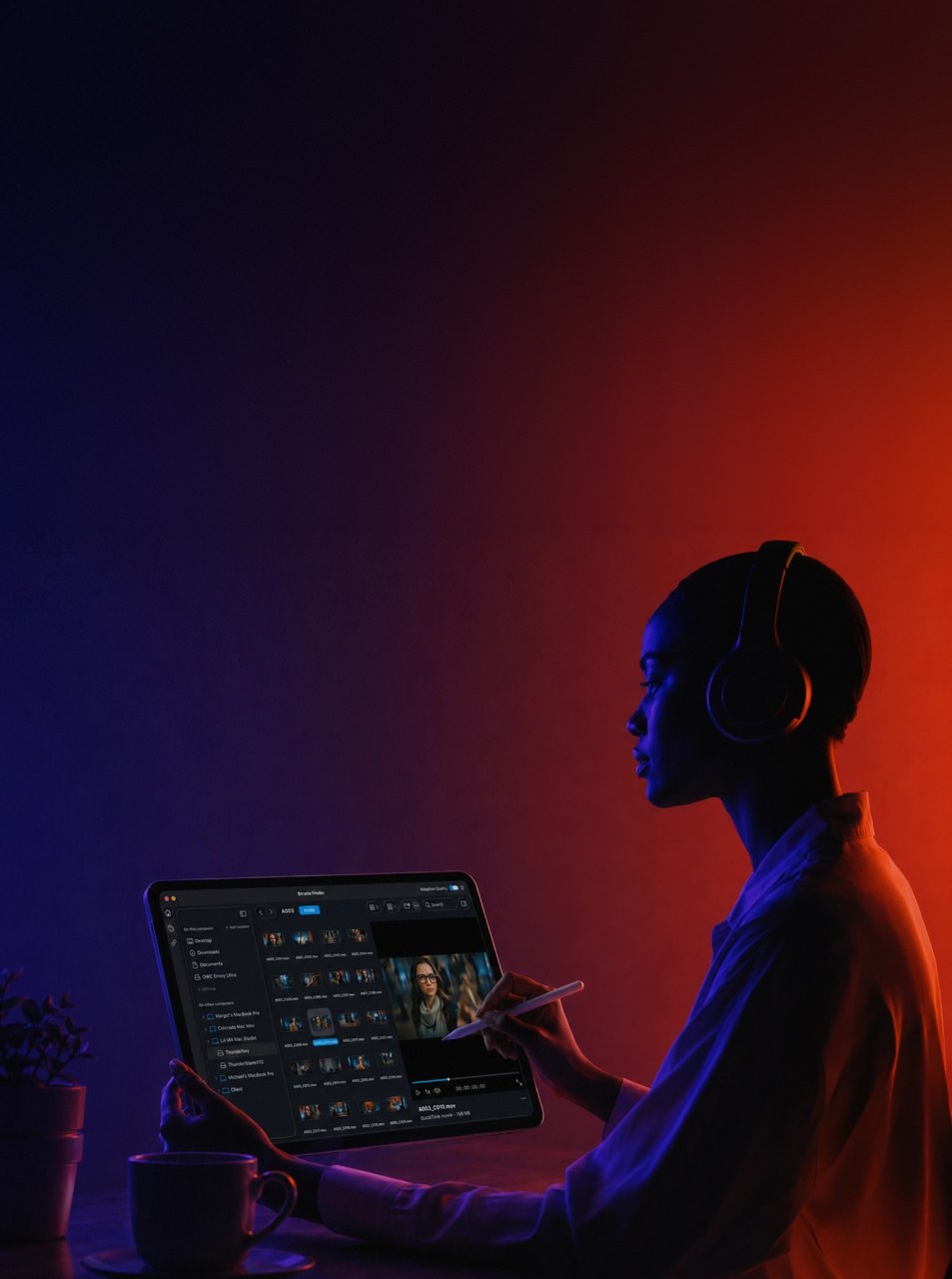
Share, transfer and review from your workstation or phone. Talk to us about the right setup for your team’s devices.
Review and collaboration
Bring feedback to the footage
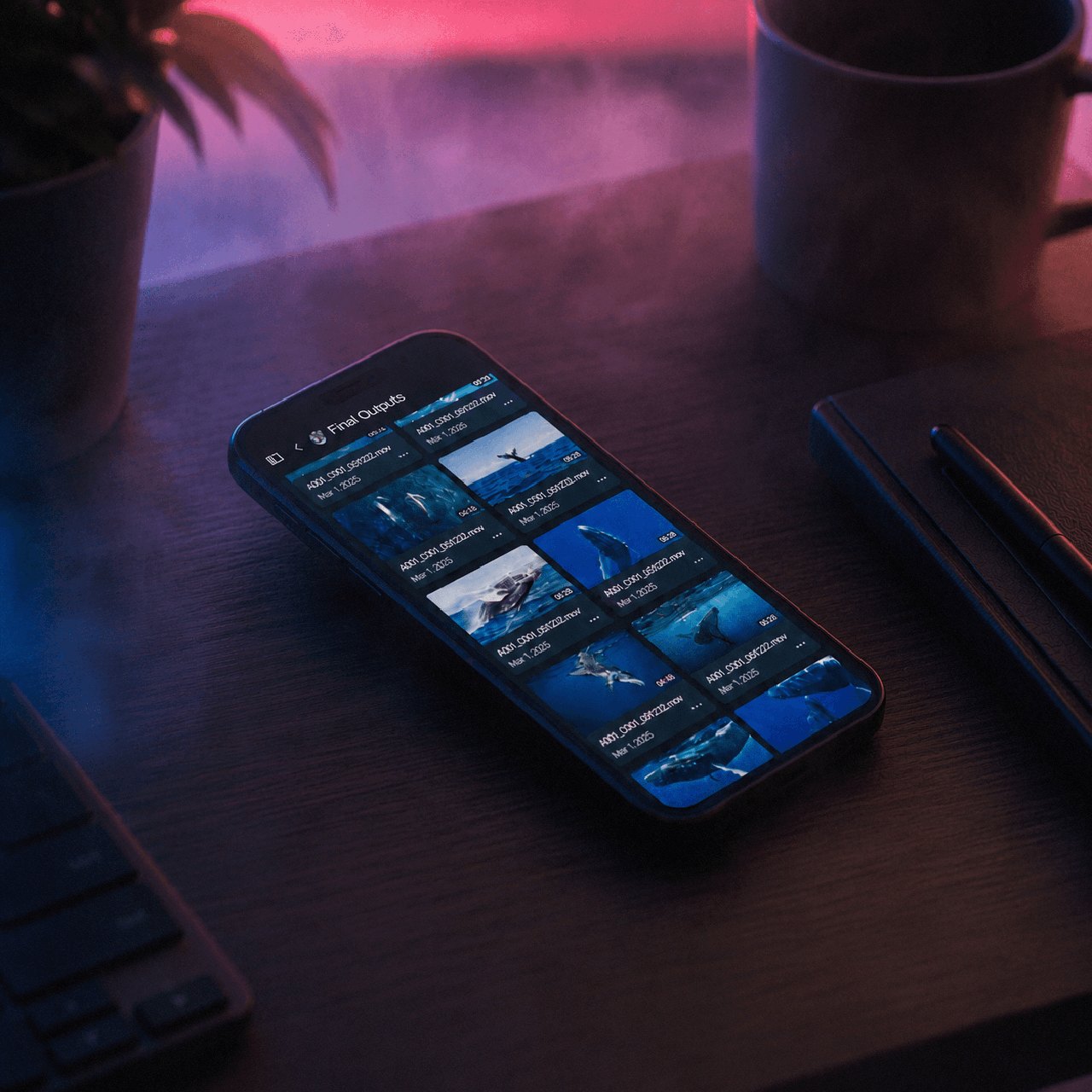
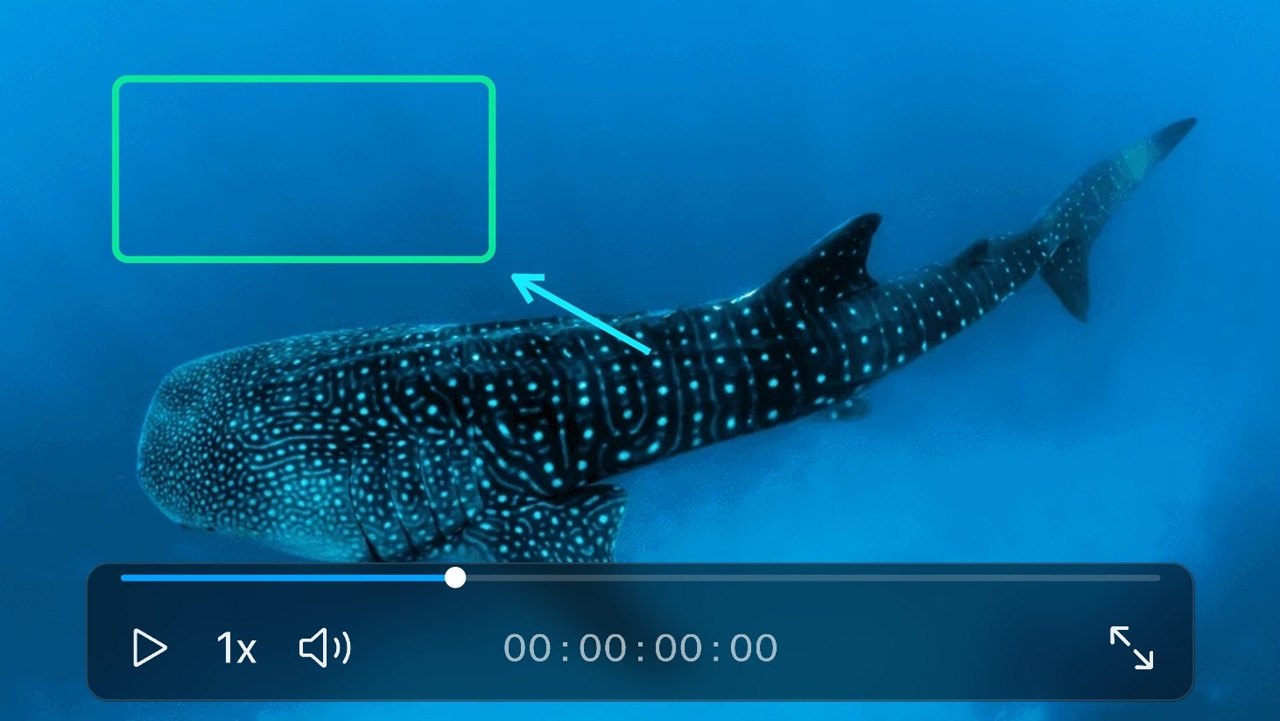
Review clips from remote drives, add timecode comments and use drawn annotations to make feedback clear. Strada also offers mobile access for sharing and review away from your desk.
Folder permissions let you decide who can access your media, and change that access as the team evolves.
Strada Transfer
Move files directly between devices
Send individual files or complete folders to a computer you can access, without staging them in cloud storage first.
Direct delivery
Transfer media between workstations for the next stage of production.
Monitor progress
Follow transfer activity and manage bandwidth to suit your connection.
Verify the hand-off
Use checksum reports to check the integrity of transferred files.
Strada with ccktech
Plan the workflow around your production
As a Strada reseller, we can help you assess your storage, network and remote collaboration requirements, choose a suitable Strada setup and plan the next steps for your team.
Remote workflow performance depends on connectivity, storage and media requirements. Let’s discuss your project and the way your team works.
Let’s talk
Speak to a Solutions Specialist
Tell us about your team, your storage and what you want to achieve with Strada.