Niagara Takes Flight: On-Site Finishing Made Fast and Portable
How Senior DI Colorist John Daro leveraged iodyne Pro Data to grade a complex immersive ride installation.
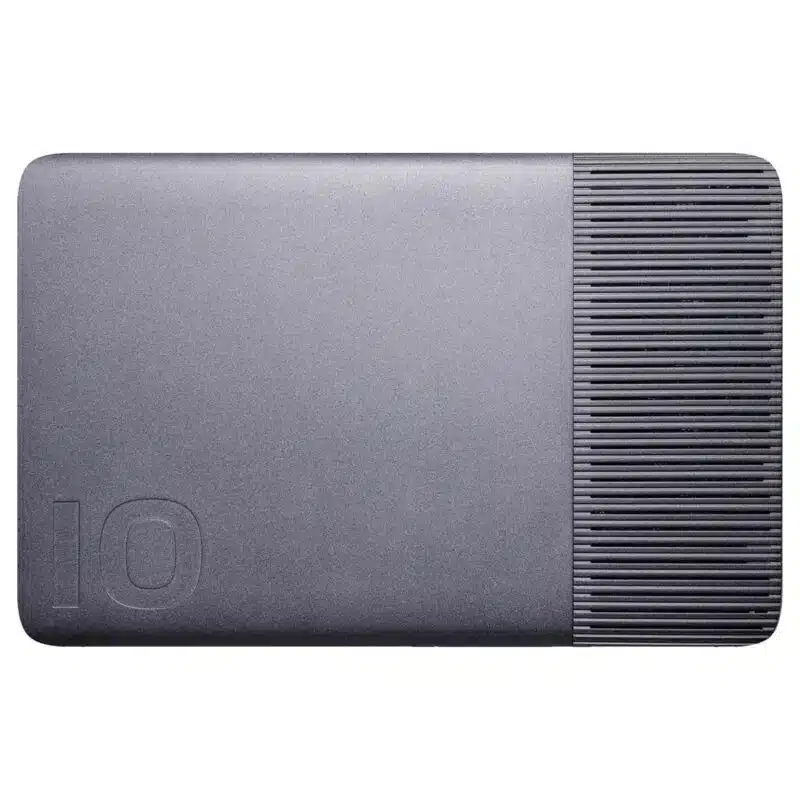
Time savings, portability, and reliability were the keys to this project. With Pro Data, John could work directly on-site with 60fps 8K EXR files, avoiding slow transfers, proxy workflows, cloud bottlenecks, and heavy rigs.
About the Project: Niagara Takes Flight
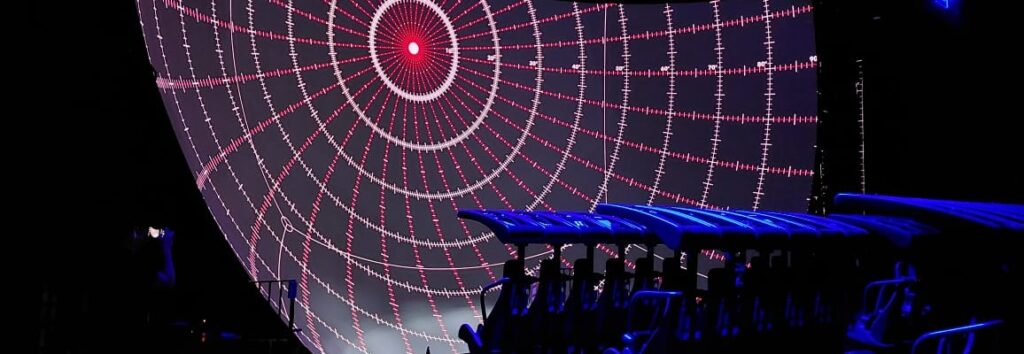
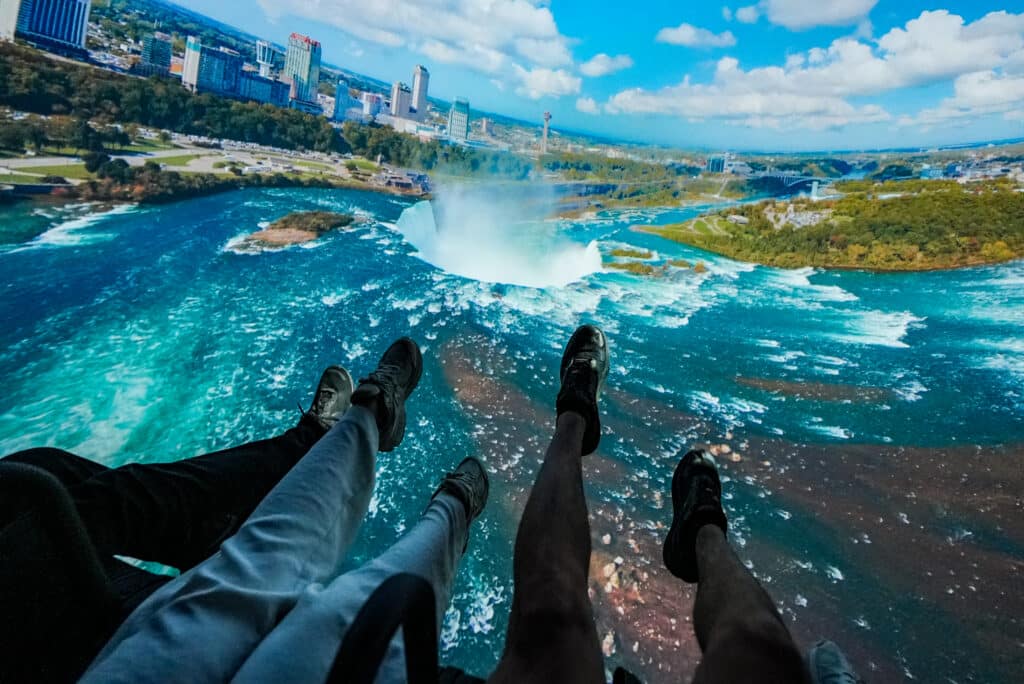
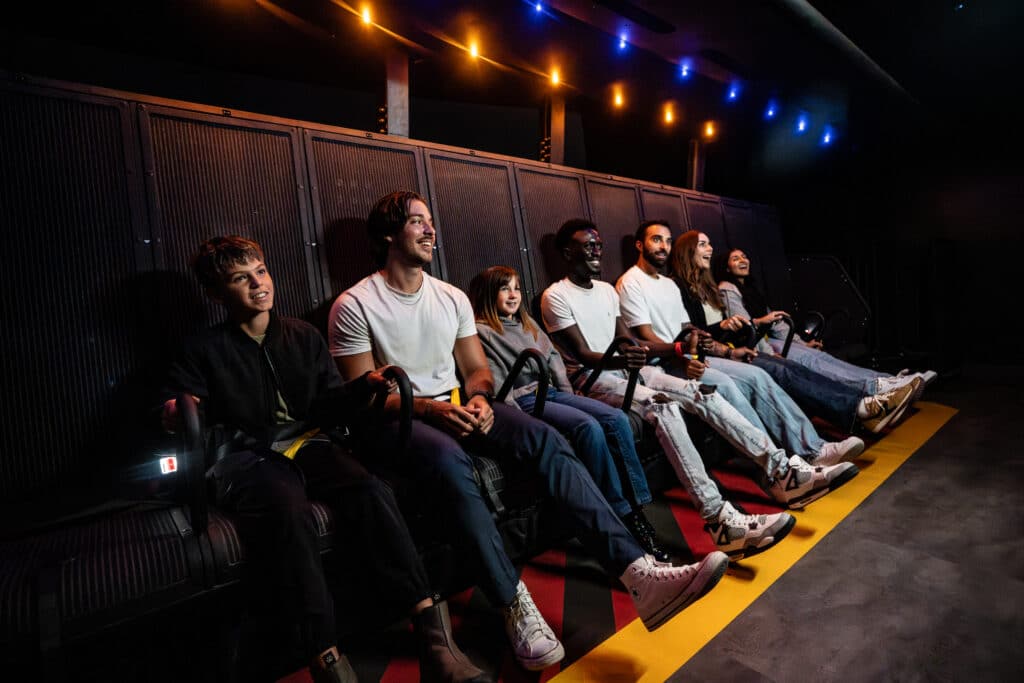
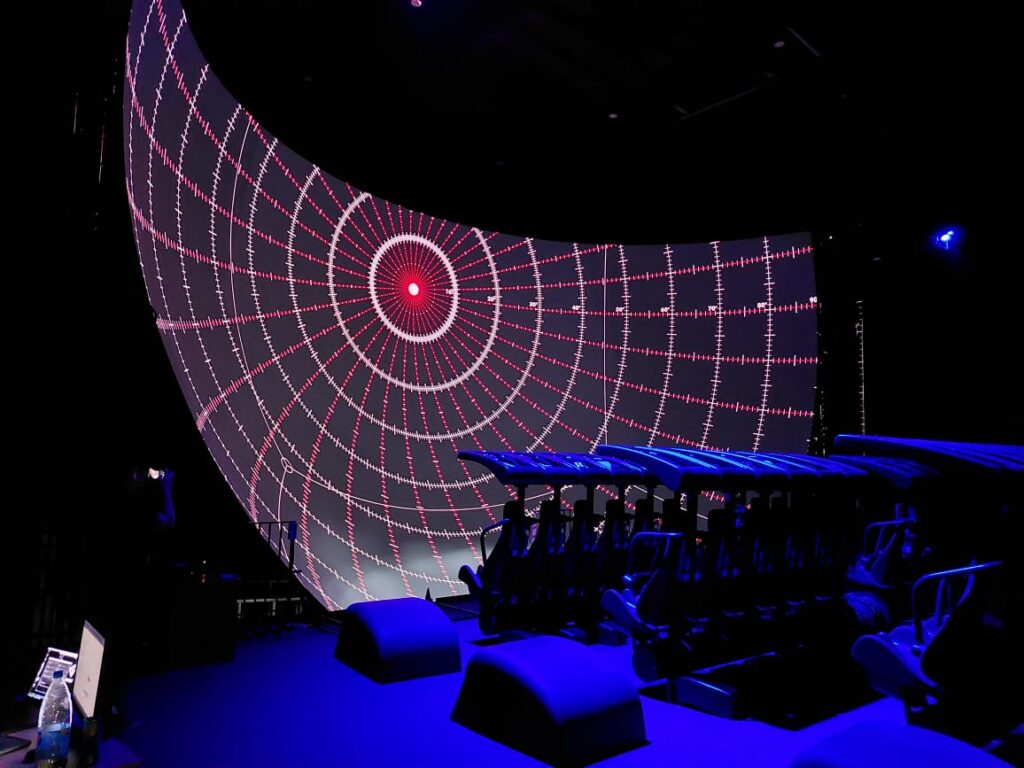
Niagara Takes Flight is Ontario’s first flying theater, offering an immersive journey over 56 kilometers of the Niagara River corridor. Guests are suspended in gondola-style seating, soaring through cinematic visuals shot across all four seasons on a 17-meter-wide domed screen. The experience is enhanced with motion-based seats and sensory effects like wind, mist, and scent, providing an exhilarating illusion of free flight Niagara Parks.
Filmed over six months using custom-built drones, the attraction showcases the region’s natural beauty and historical landmarks, including the mighty Horseshoe Falls. The ride features a pre-show exploring 13,000 years of regional history through themed storytelling rooms.
About the Creator: John Daro
John Daro, Lead Colorist at Warner Bros. Water Tower Color, has spent over two decades shaping the look of films and immersive experiences, including Contagion, The Sea Beast, and Dear Mama. Known for his blend of artistry and innovation, he’s developed tools like MatchGrader and SamurAI to push creative color further and share that knowledge with the next generation.
The Challenge
The timeline was also notably complex with numerous tracks, edits, and layers. Managing 5760×4320 16-bit EXR files in HDR while keeping the workflow portable and reliable was critical. And the Pro Data made it achievable.
Reasons to use Pro Data on This Project
- Real-time EXR Playback: Once the files were cached, the system was able to play back heavy EXR sequences at full 60fps, no issues. Rendering proxies became optional. Pro Data handled full-resolution files directly.
- Grading in a backpack: The entire on-site rig could fit into a compact setup with minimal travel weight. Small footprint allowed on-site setup in minutes, keeping grading time efficient.
- Quiet on site: Actively cooled Pro Data kept noise levels low despite the constantly heavy workflow.
Tips from the creator for Pro Data users:
- Use Pro Data for on-set dailies for your next project.
- Plug the cables into ports 1 and 3 to achieve the maximum data rate.
- If speed is a priority over redundancy, create a RAID-0 container. Do so when you’re setting up your Pro Data or resetting it for a brand-new project.
- To avoid the MacBook going to sleep mode due to battery drainage, plug in the power adapter to a separate USB-C port, and disconnect the other peripherals.
- Enjoy the extra time and peace of mind you’ll get from finishing smoothly with Pro Data.